Case Study
MDflow — a pipeline that files itself
Drop a PDF in a folder; get clean, filed Markdown back. Built on n8n and Gemini — and what happened when the packaged Drive node wasn't enough.
What it's for
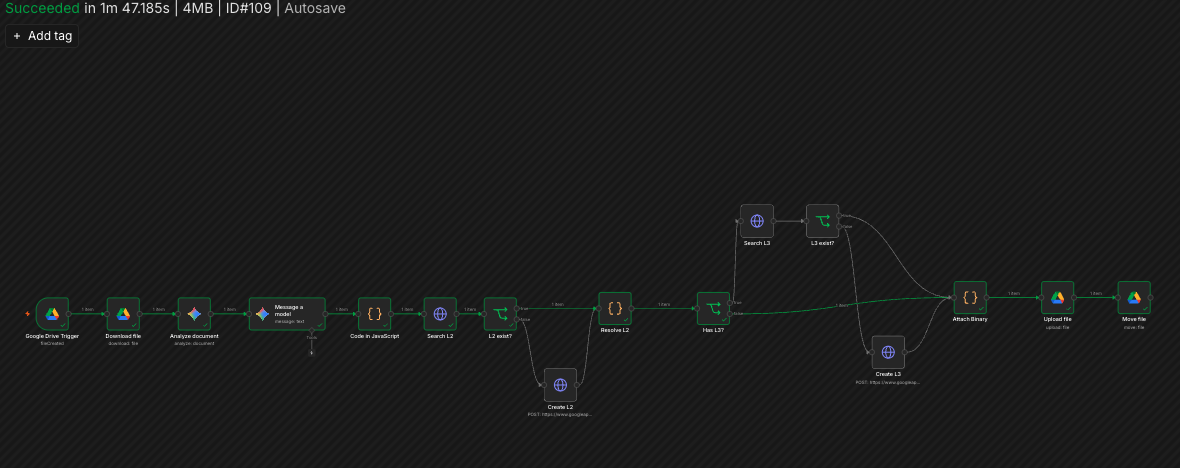
My notes live in Obsidian, but a lot of source material arrives as PDFs — scanned handouts, exported documents — that I'd otherwise retype or reformat by hand before they were actually useful. MDflow is the pipeline that does that instead: drop a PDF into a Drive folder, and it comes out the other side as clean Markdown, filed straight into the vault.
What it had to do
- Low-code where reasonable, but reliable enough to run unattended. This is a background task, not something I want to babysit.
- Droppable from anywhere. The source PDF is often something I only have on my phone — a local watch folder wasn't an option.
- Structure, not just text. Plain OCR gives back a wall of characters; the output needed real headings and lists to be worth filing at all.
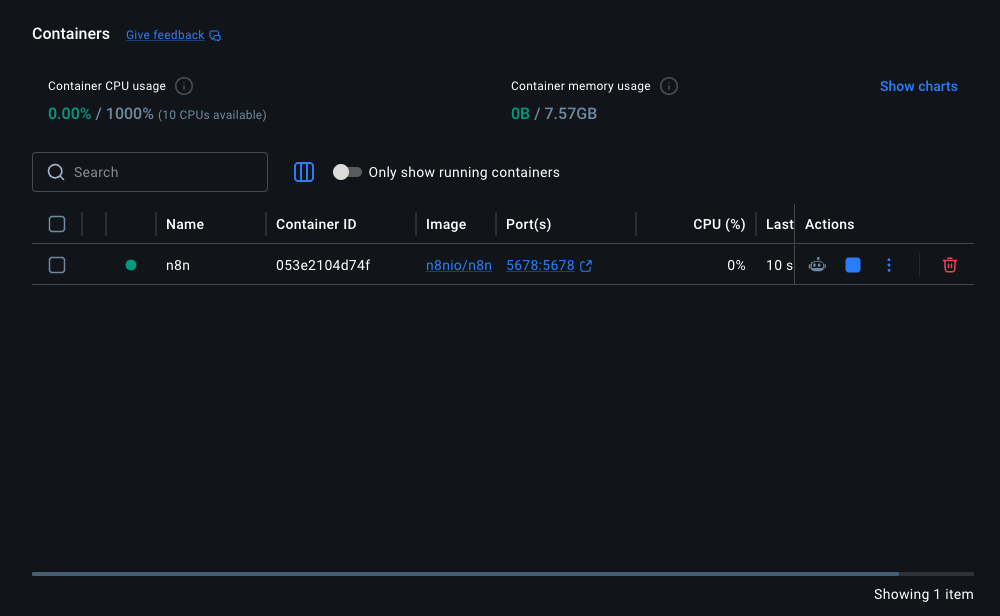
- Self-hosted and pay-as-you-go. Docker plus metered API calls, not a subscription pipeline tool.
Four calls, and what they cost
n8n on Docker, not a hand-rolled script
A visual workflow I can see and edit later, self-hosted, with no vendor lock-in on the automation layer itself.
Trade-offDebugging happens inside someone else's node abstraction instead of my own stack trace — which is exactly what cost time below.
Gemini for OCR and restructuring, not a plain OCR library
Plain OCR gives back text; Gemini gives back structure — it can tell a heading from a bullet from a caption, which is what "clean Markdown" actually requires.
Trade-offOutput quality depends on a model call I don't fully control, and it puts an external API in the middle of a pipeline that would otherwise run entirely offline.
Google Drive as the inbox, not a local watch folder
I can drop a PDF in from my phone the moment I have it, not just from the machine running the workflow.
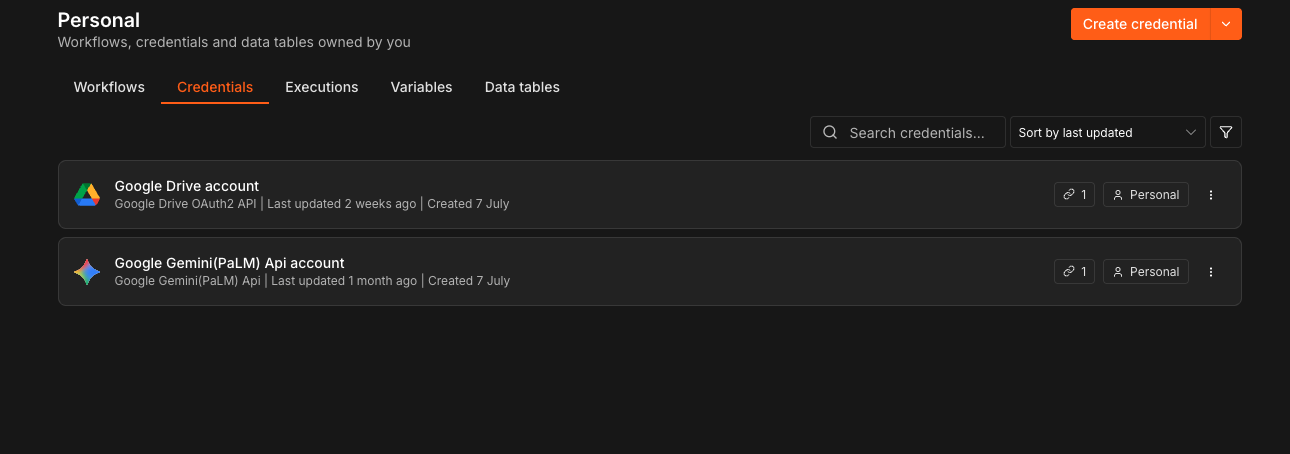
Trade-offTalking to Drive means OAuth, scopes and a token to keep alive — which is where the pipeline actually broke.
Auto-file into the vault, not a review queue
The point was removing a manual step, not adding a checkpoint I'd skip half the time anyway.
Trade-offA bad OCR pass files itself just as confidently as a good one — there's no human gate before it lands in the vault.
The node that was supposed to make this easy
n8n's built-in Google Drive node — the one meant to make this the easy part — didn't handle the case this workflow needed and failed partway through, without a clear error pointing at why. Fighting a packaged node's internals from the outside, with no visibility into the request it was actually sending, wasn't going anywhere.
I dropped down a level: an HTTP Request node calling the Drive API v3 directly, with OAuth 2.0 credentials configured by hand instead of through the packaged integration. More setup up front, but I could see exactly what request was going out, read the response, and fix the actual problem instead of guessing at what the node was doing internally.
Where it landed
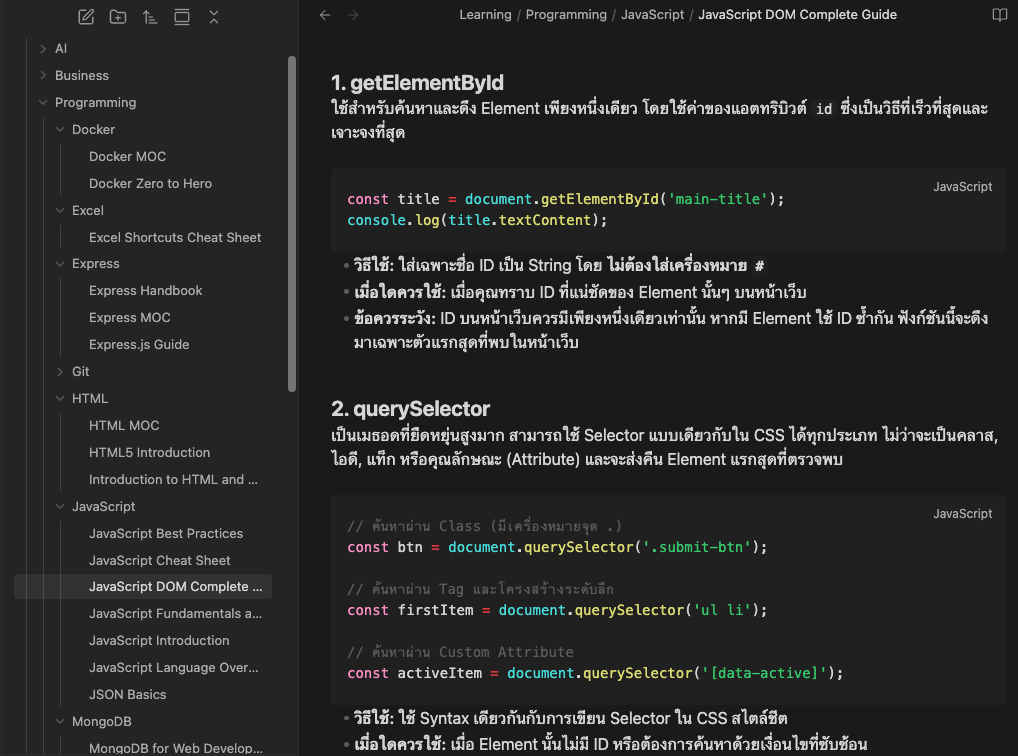
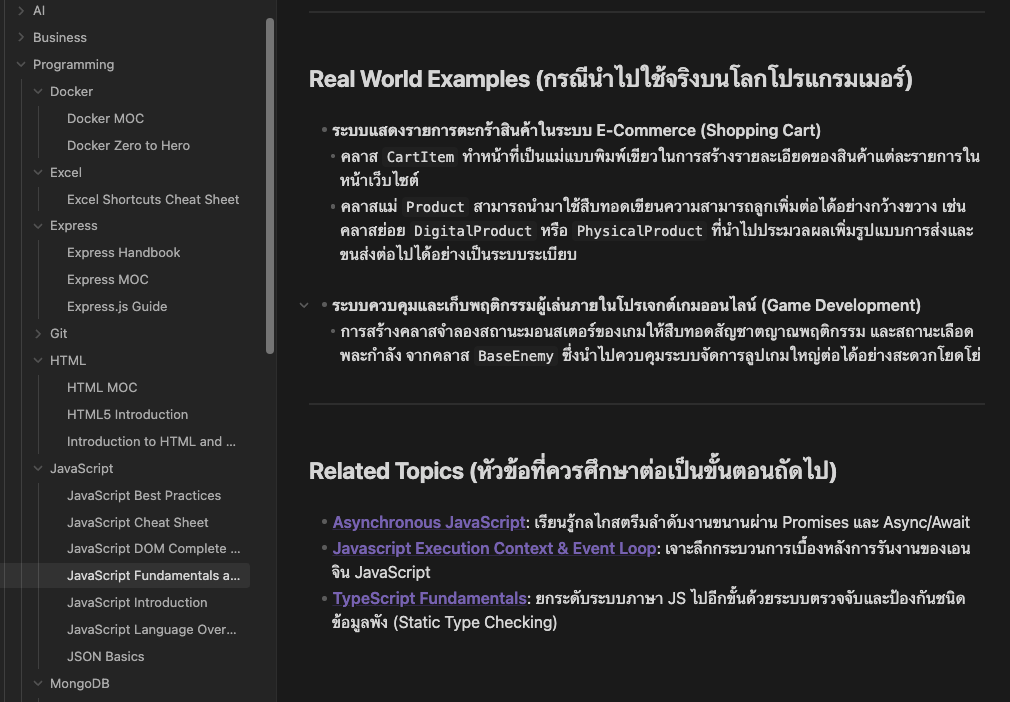
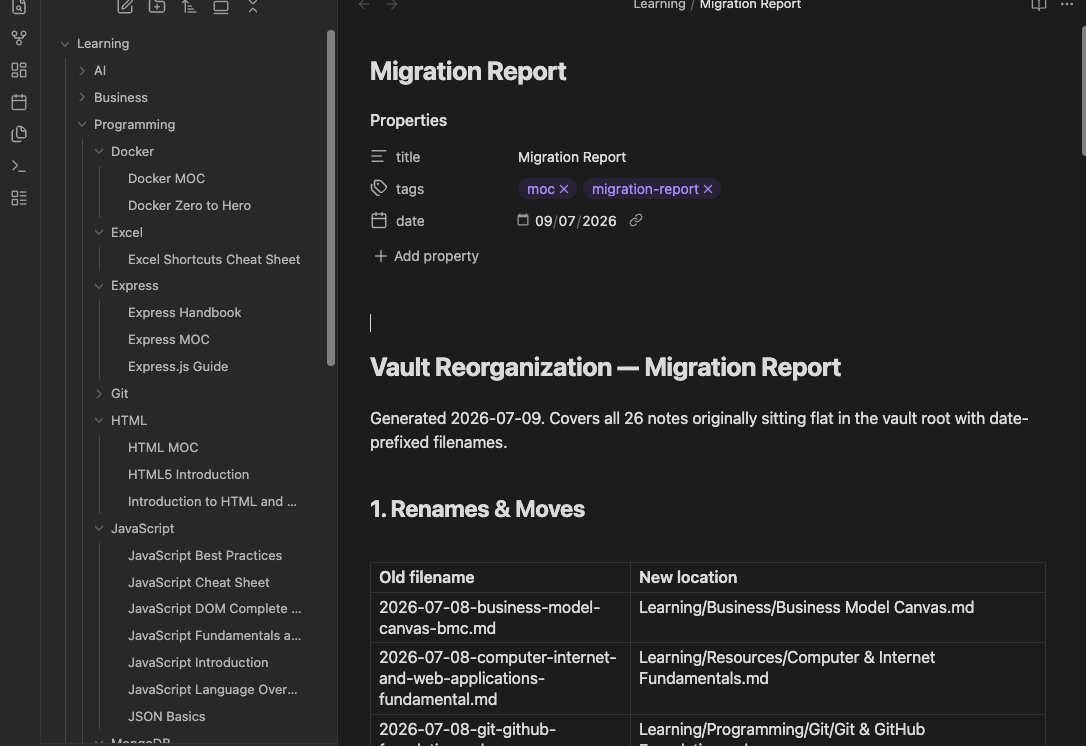
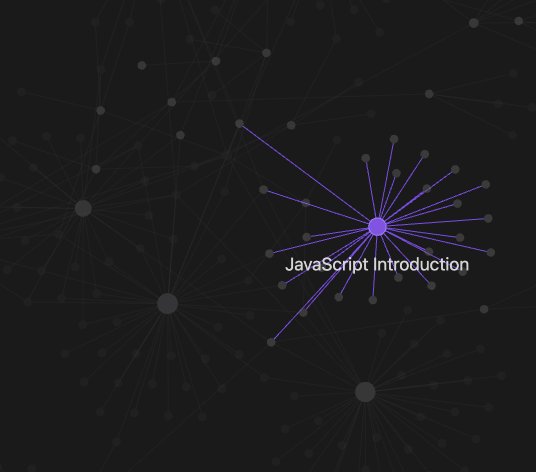
The pipeline runs in production against my own Drive inbox: a dropped PDF comes back as filed, formatted Markdown in the vault without me touching it in between.
Running in production
What I'd do differently
- Reach for the direct API call first for anything touching auth or OAuth — the packaged node saved a few minutes of setup and cost an afternoon of debugging.
- Add a fallback path for a low-confidence OCR pass — right now a bad scan files itself as confidently as a good one, with nothing flagging the difference.
- Log each run's source file somewhere queryable, so "did it process this yet" isn't a manual check through the vault.